1
Create your profile
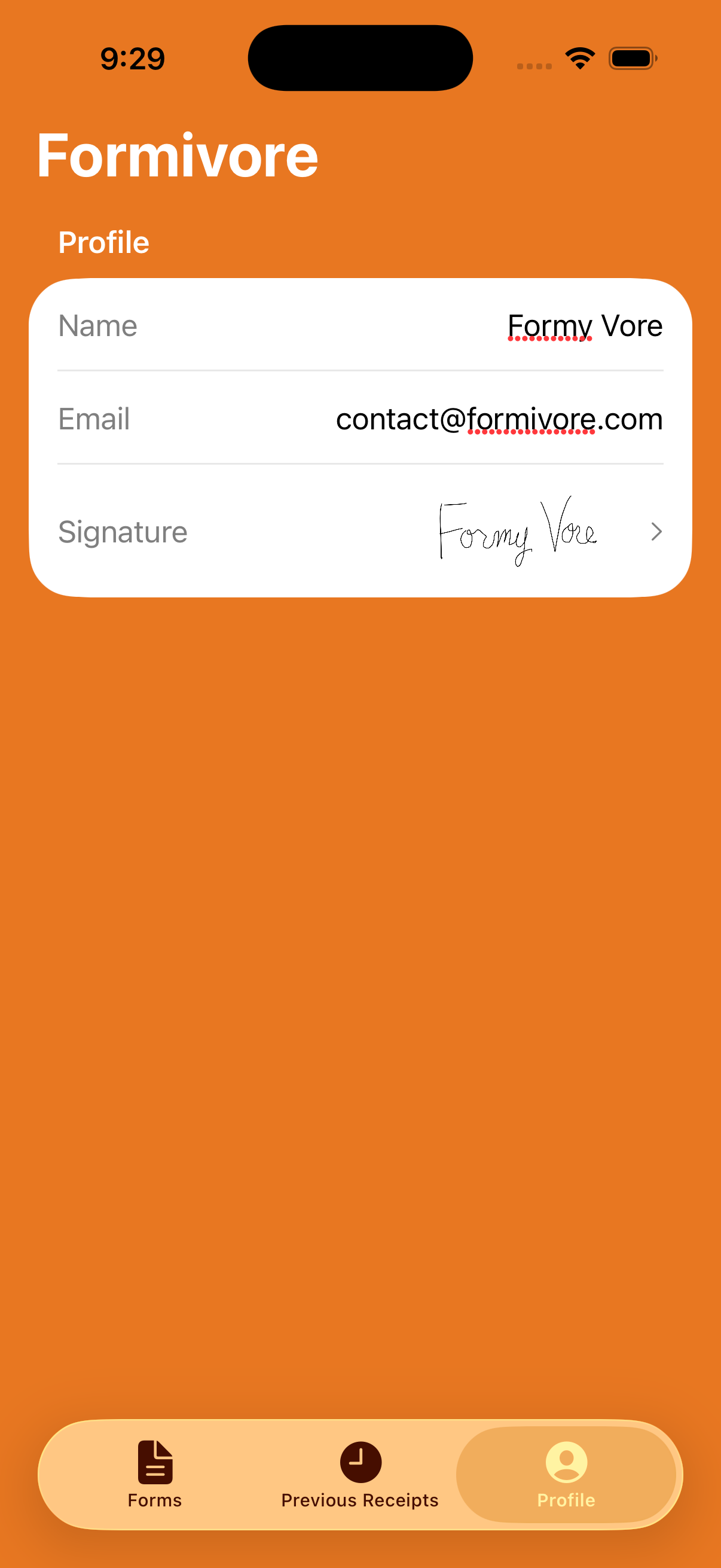
Add your name, email address, and signature so the app can reuse them whenever your form calls for them.
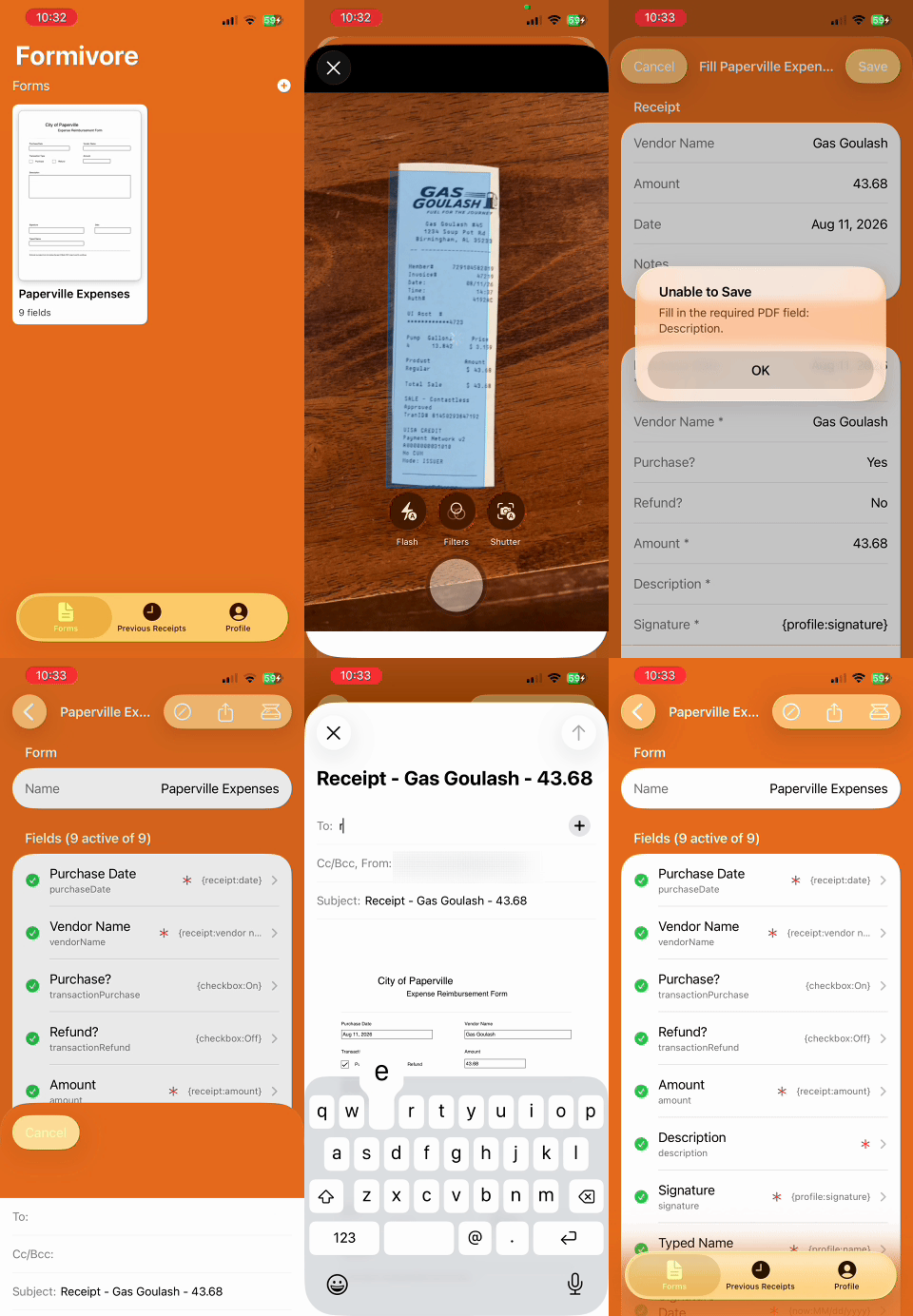
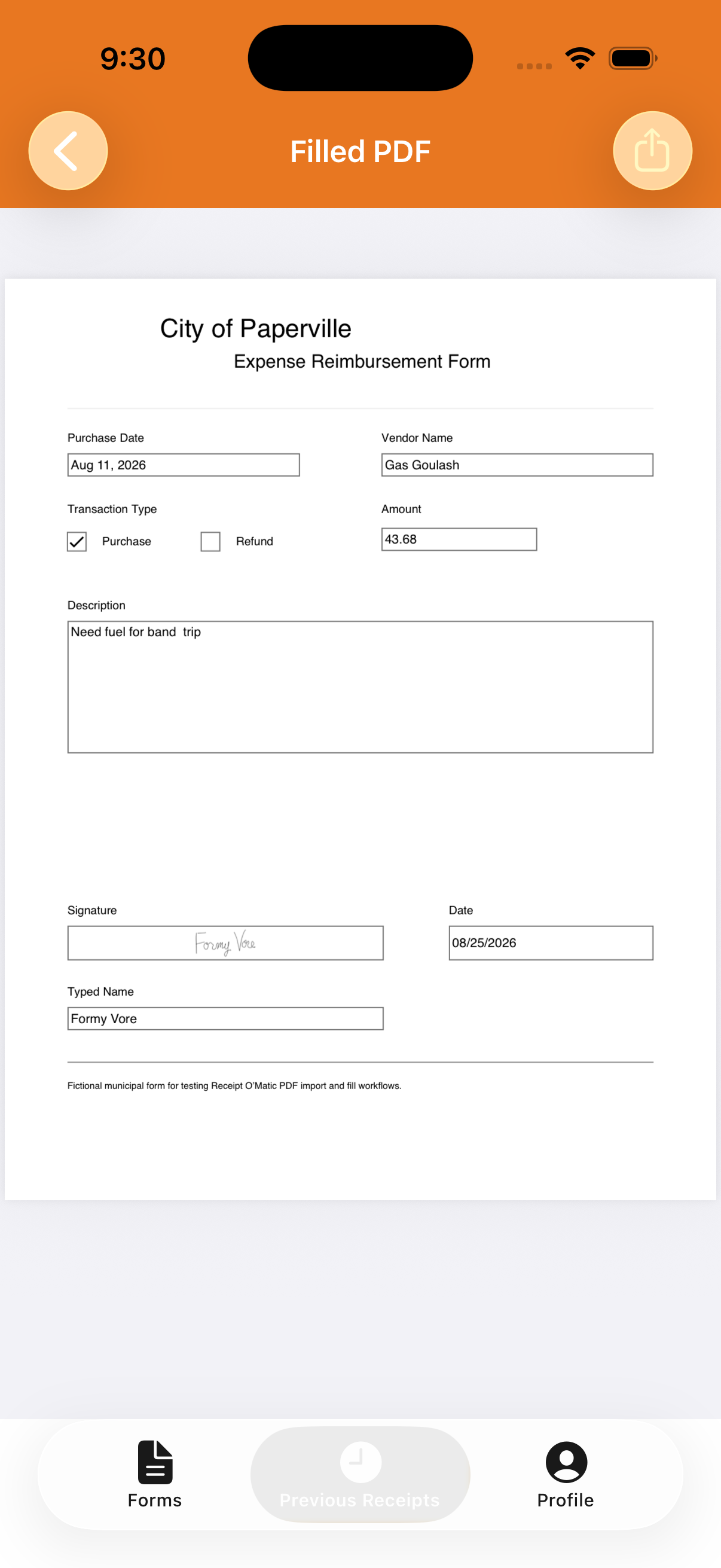
Formivore turns receipt images into completed, ready-to-send fillable PDF forms. Set up your form once, then handle the next receipt in seconds.
A little one-time setup turns your organization's fillable PDF into a reusable receipt workflow.
Add your name, email address, and signature so the app can reuse them whenever your form calls for them.
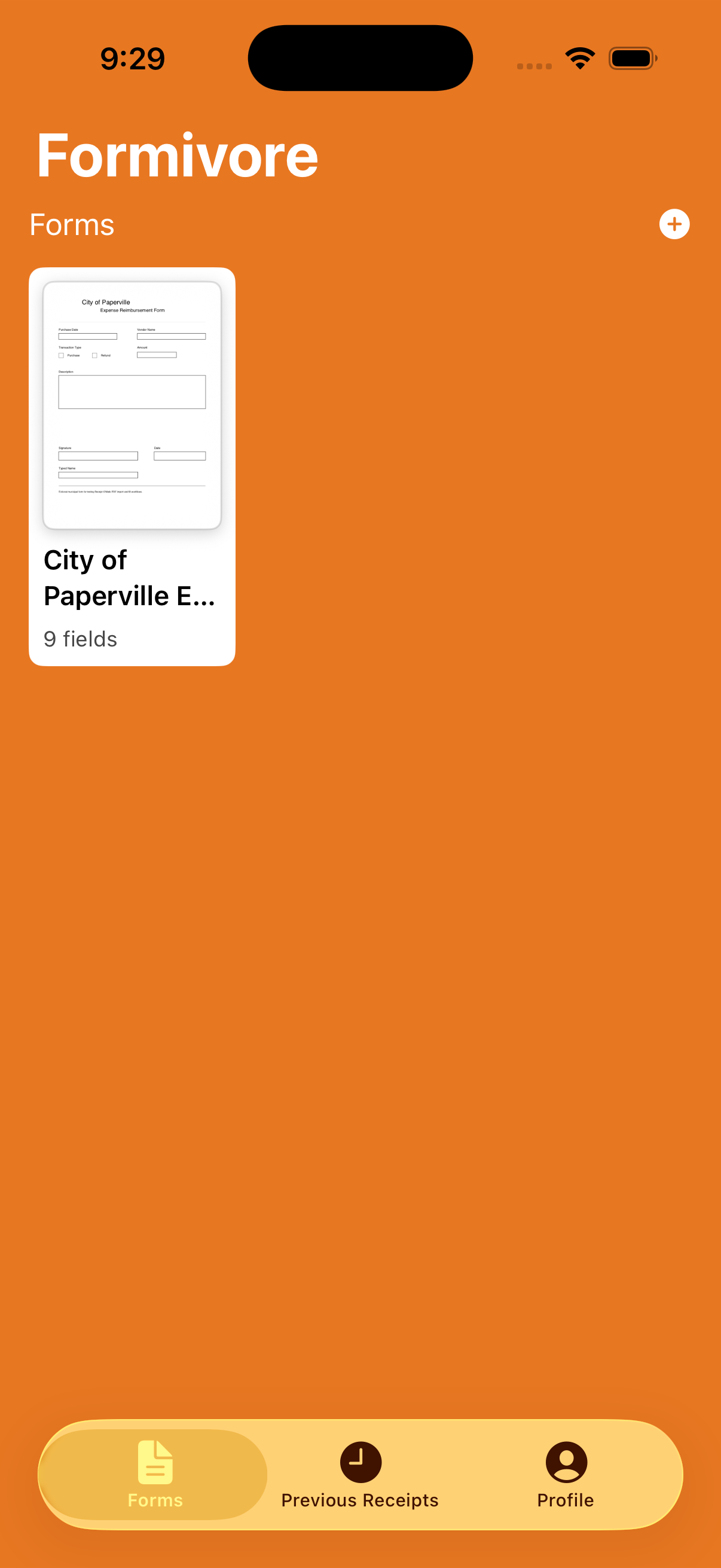
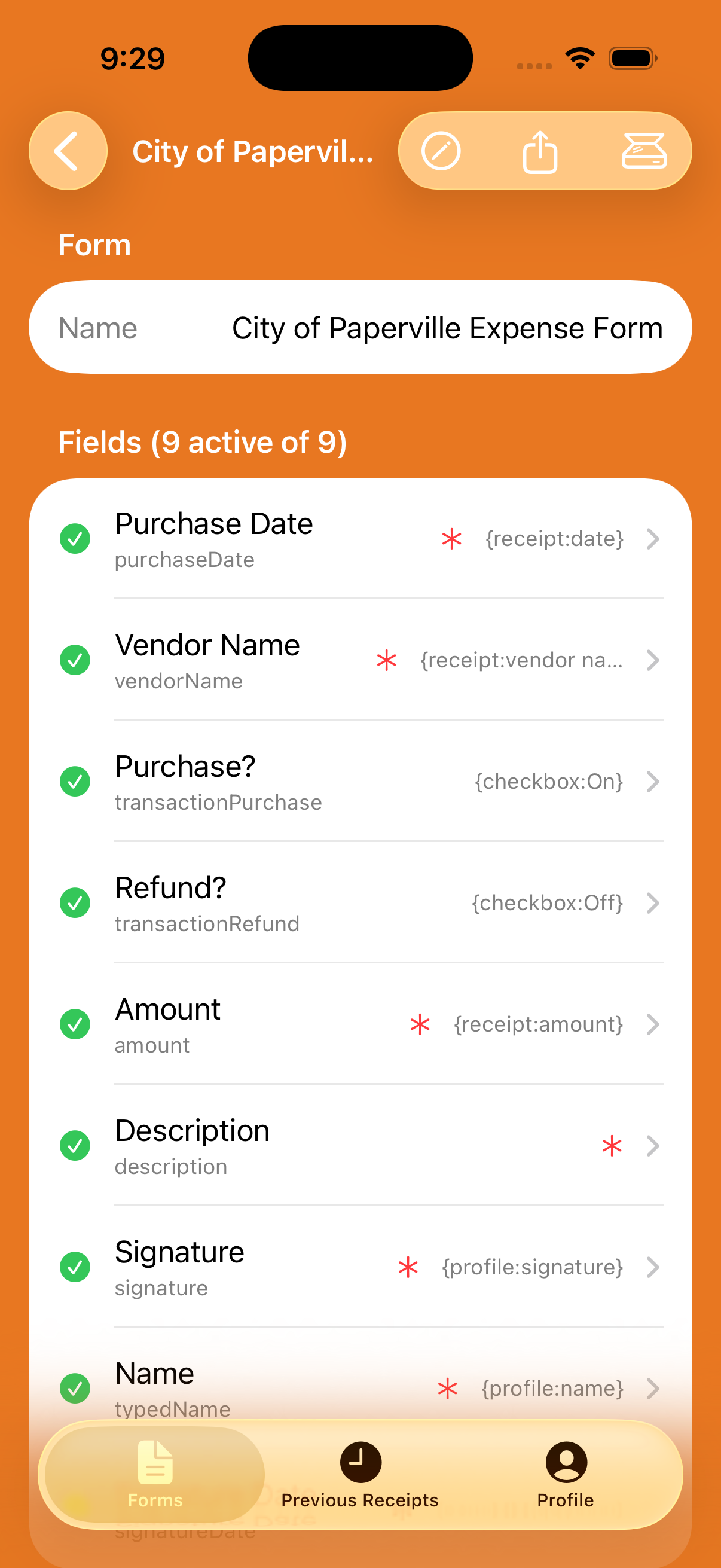
Formivore finds the form fields automatically, so you don't have to rebuild your organization's form.
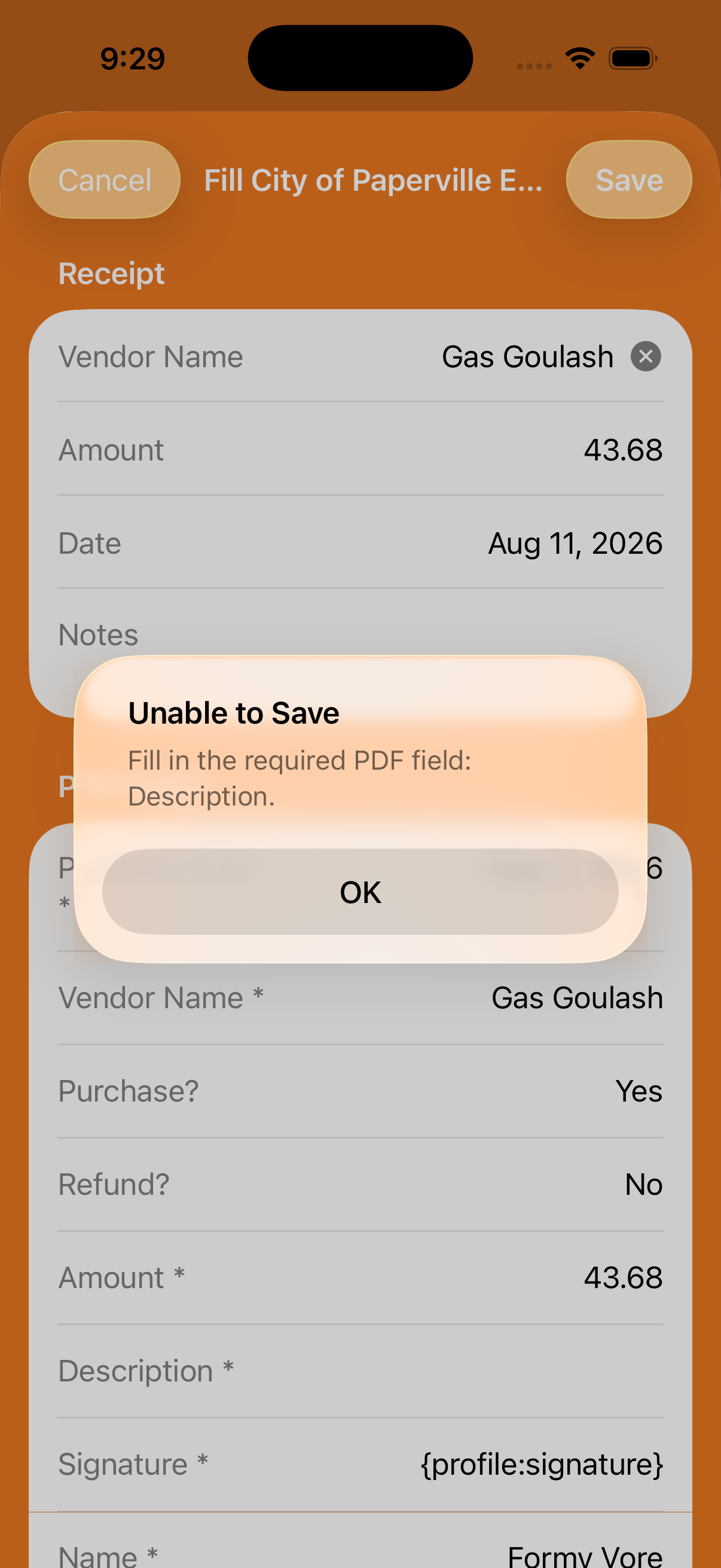
Ignore fields you do not need, mark required fields, and use static values or dynamic values such as today's date, your profile, or receipt details.
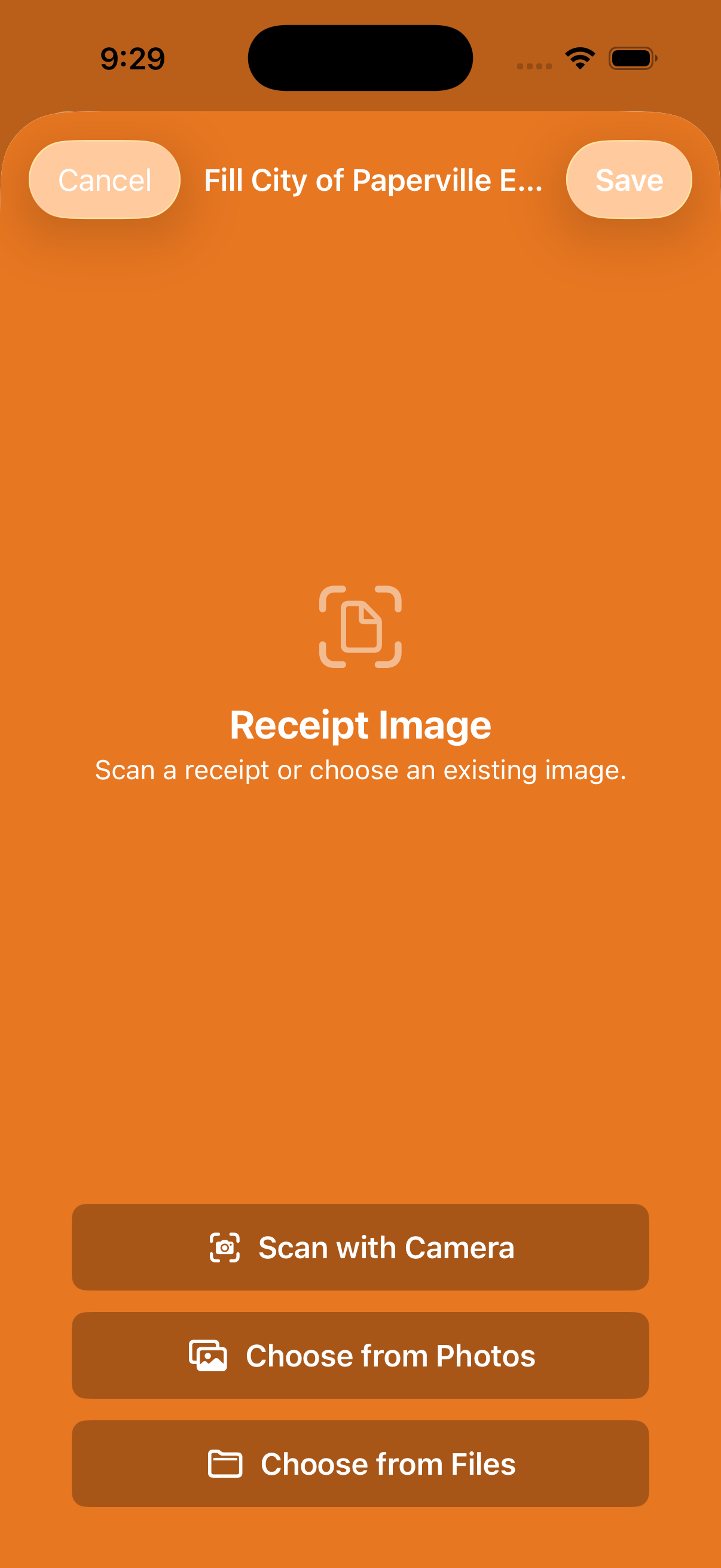
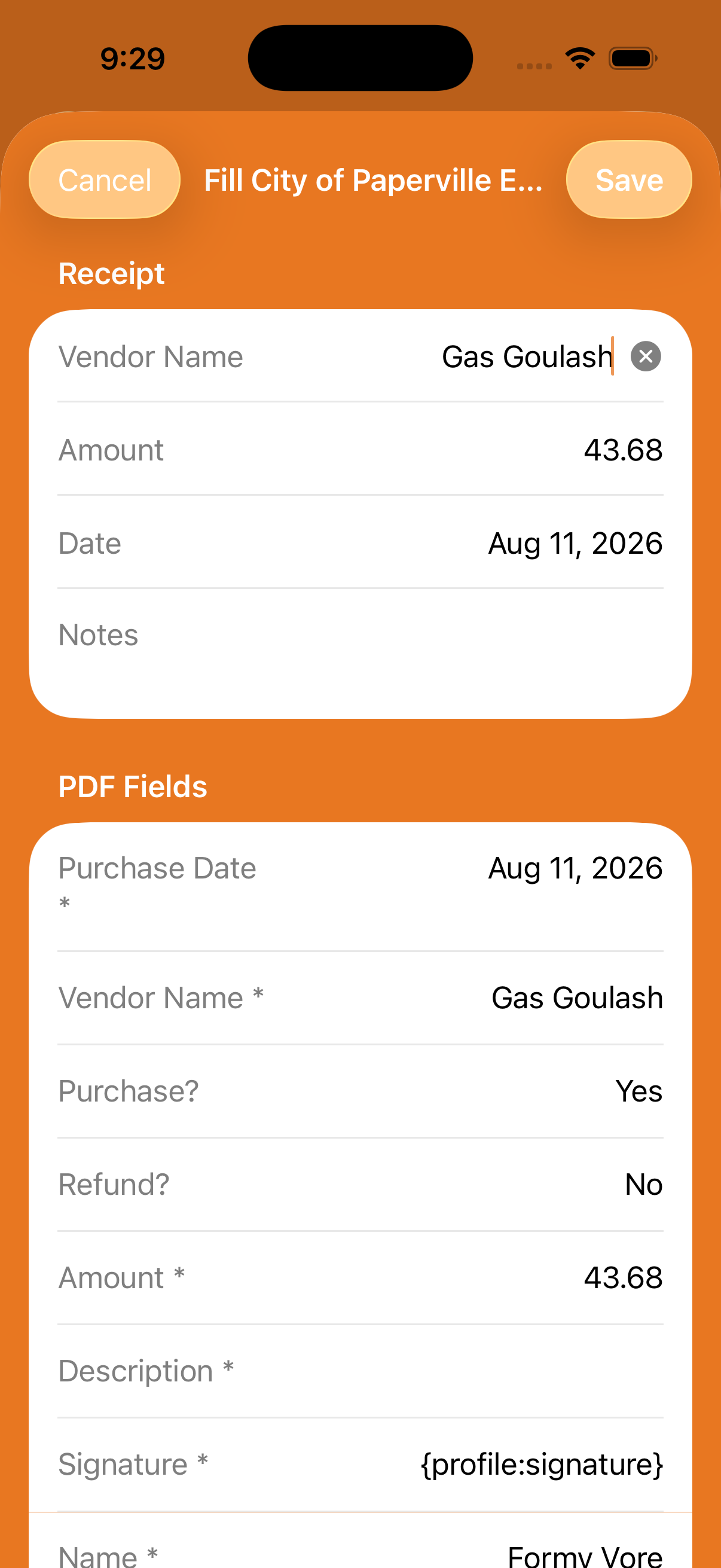
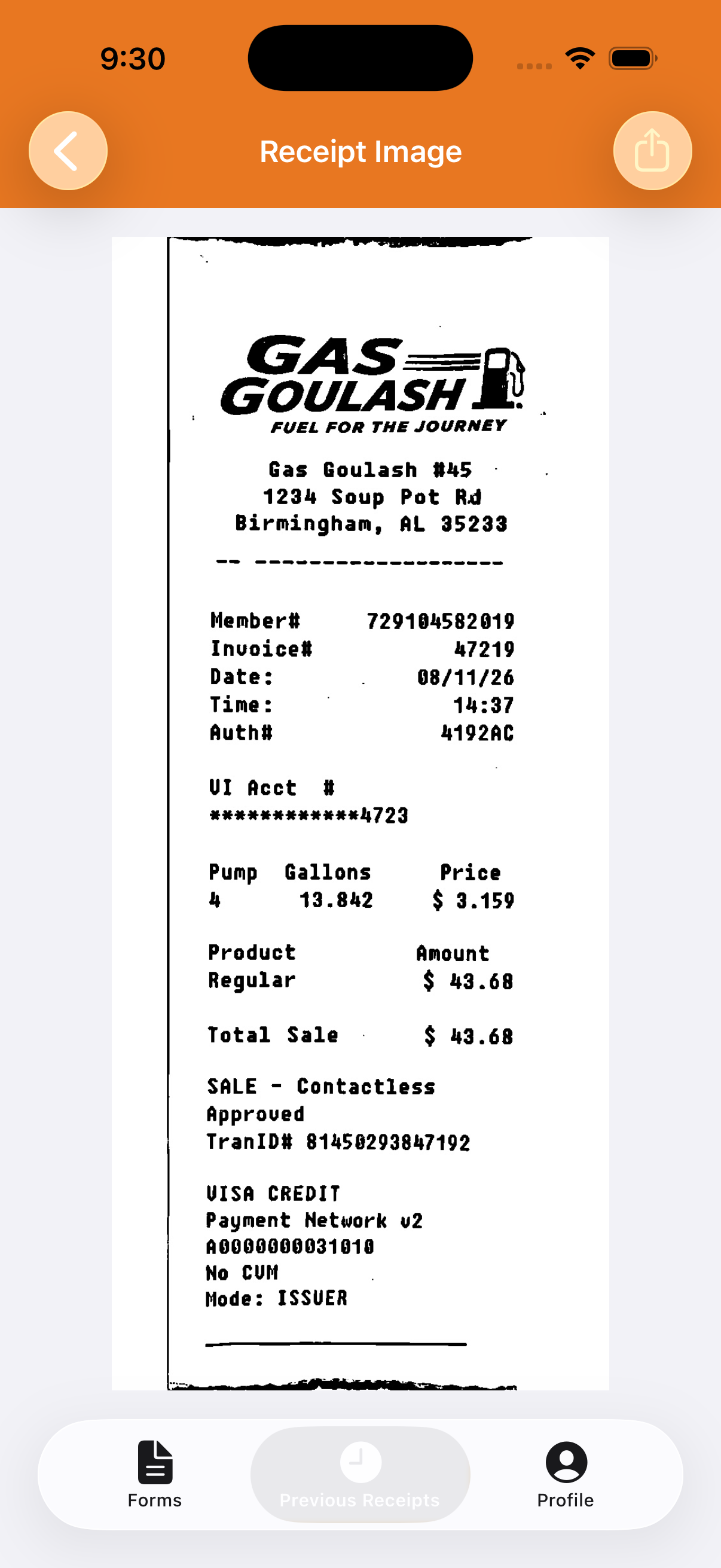
Take a photo, choose one from Photos, or import an image from Files. Formivore analyzes the image and attempts to find the vendor, purchase date, and amount.
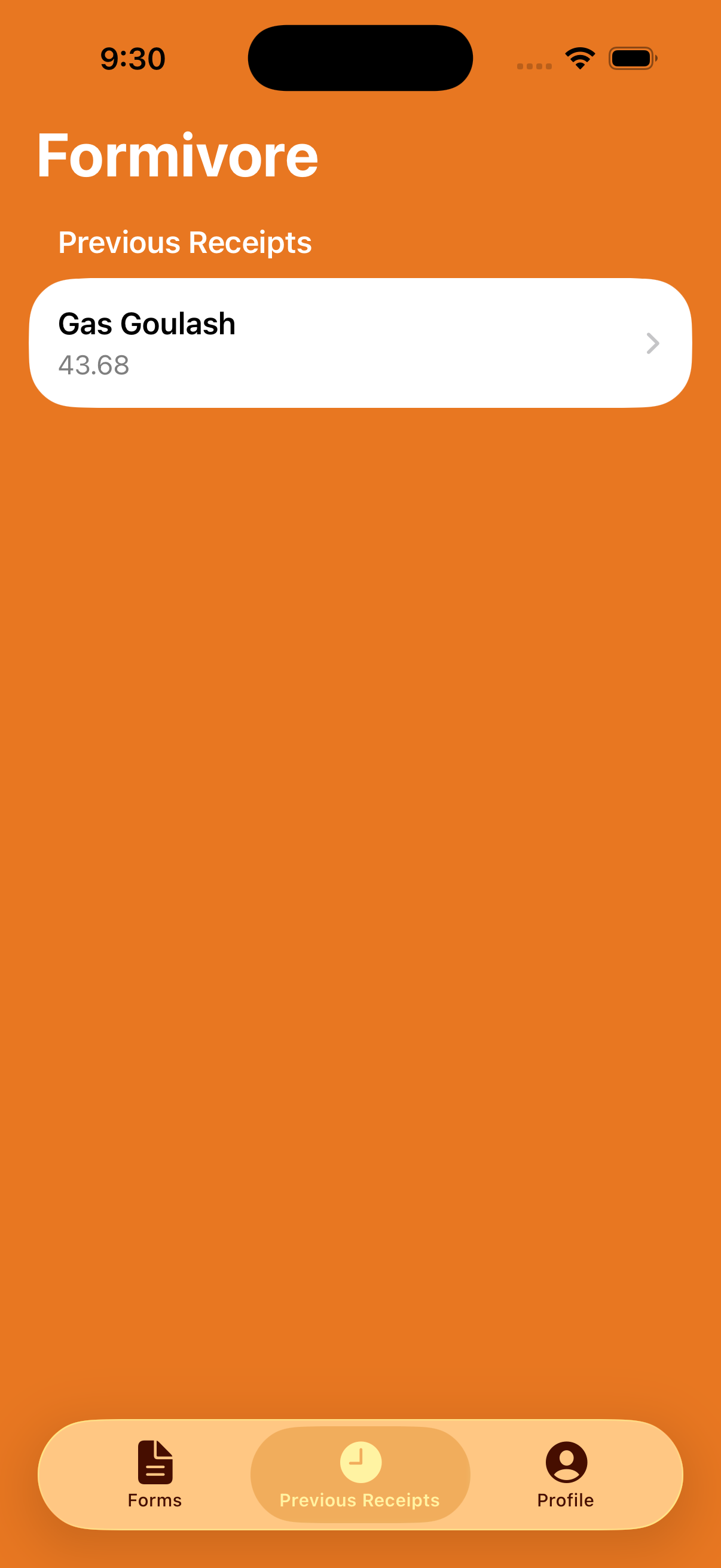
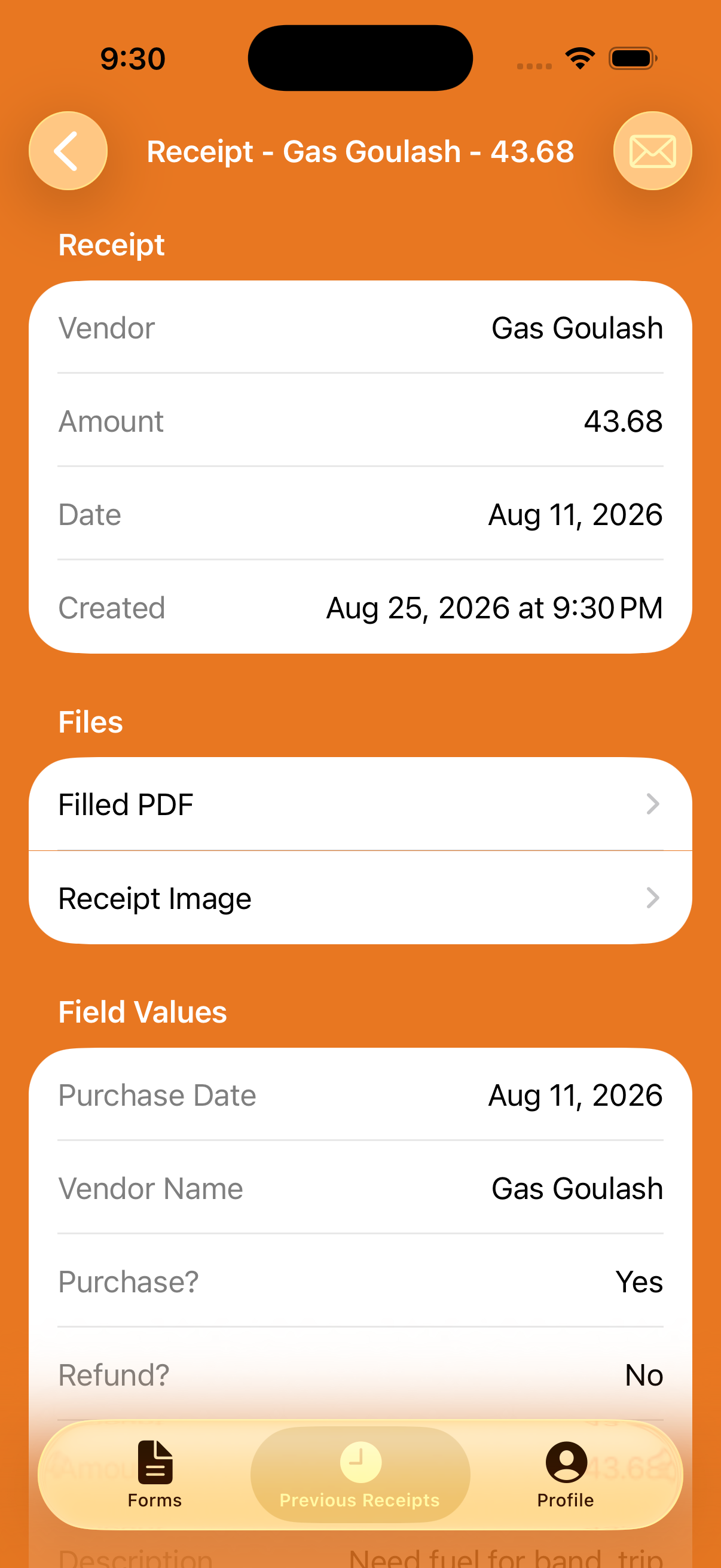
From profile and form setup through scanning, review, saved receipts, and the finished PDF.
Use the support page to prepare an email with your device model and details already filled in.